Superlaw Tools is Now Generally Available
Superlaw Tools brings the most repeated document tasks in legal practice into one legal workflow: merge PDF, split PDF, PDF to Word, Word to PDF, image to PDF, PDF to image, and document translation.
Authored by

Shivangi A.
Lead Legal Researcher
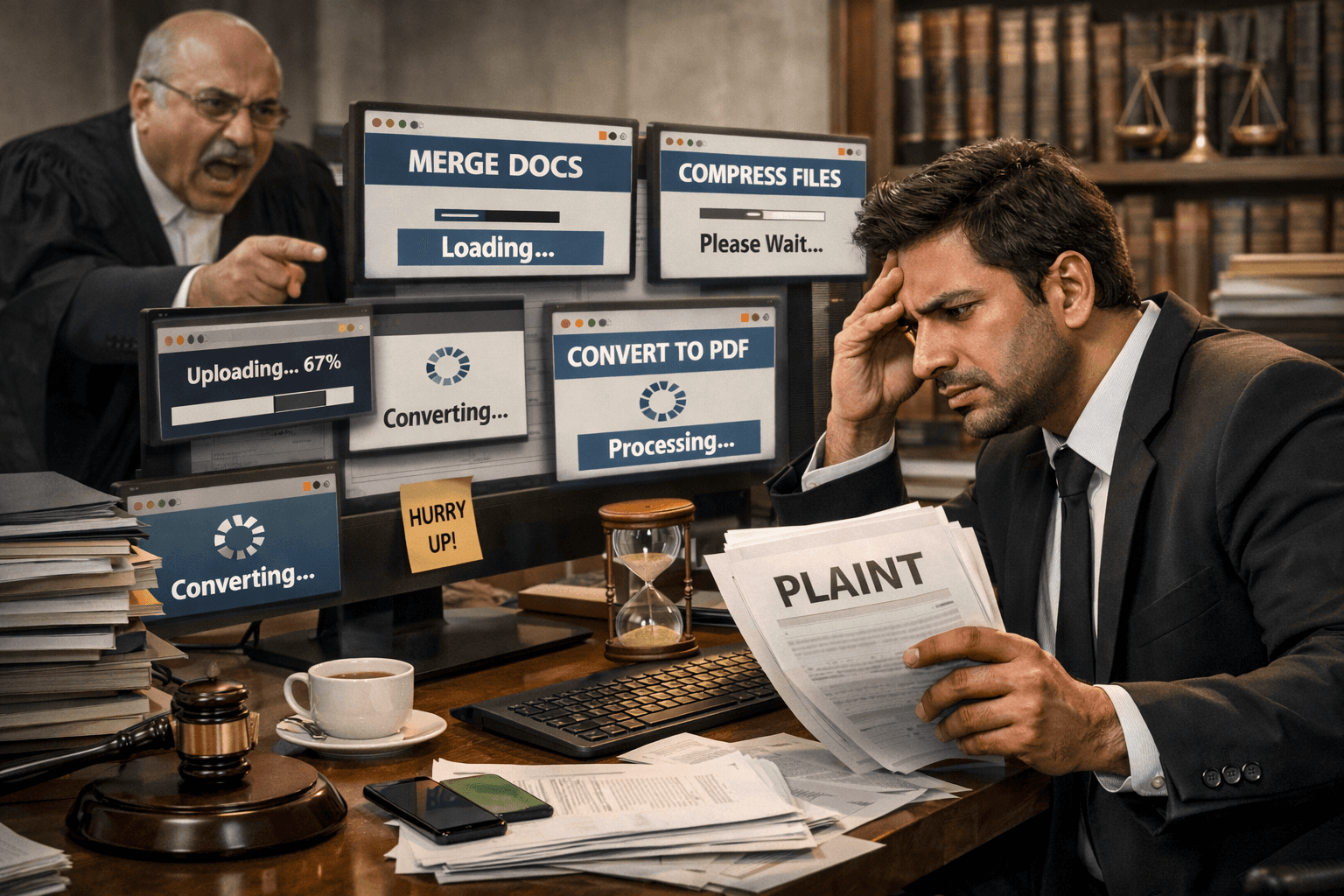
Before analysis, strategy, or drafting can begin, someone has to make the file workable.
There is a part of legal practice that clients rarely see, seniors often receive in finished form, and the internet almost never writes about properly.
It is not the argument.
It is not the cross-examination.
It is not the carefully crafted note.
It is the operational work that makes all of that possible.
A lawyer may receive a 1,000-page scan at night, with filing due the next morning. Before the legal mind can do legal work, the file has to become usable. Pages have to be split. Annexures have to be merged. Images have to be converted into PDFs. A PDF may need to become Word. A Word draft may need to become PDF again. Then the final set has to be checked for order, readability, size, and filing compliance.
That work is not glamorous.
That work is still law.
Why lawyers end up wasting time on PDF tools
The problem is not that lawyers lack tools. The problem is that the tools rarely behave like they understand legal work.
One tool merges PDFs.
Another tool splits PDFs.
A third handles PDF to Word.
A fourth converts images to PDF.
A fifth compresses files and hopes for the best.
The workflow is scattered, repetitive, and strangely undignified for a profession built on precision.
A lawyer should not have to become an expert in trial-and-error document conversion.
Yet that has become routine.
Whether someone is searching for a PDF merge tool, split PDF online, PDF to Word converter, Word to PDF converter, image to PDF, PDF to JPG, or even the best PDF editor for lawyers, the frustration is usually the same: too many tools, too much switching, too little trust.
Then comes translation, which is its own battlefield
In a multilingual legal system, a document is not truly useful until the lawyer can understand it, work with it, and rely on it in context.
That is why legal document translation, translate PDF online, and translate scanned PDF are not casual convenience queries. They sit in the middle of actual litigation workflow.
A lawyer may receive an annexure in Tamil, correspondence in Hindi, or a supporting document in another regional language entirely. Before research, advice, drafting, or filing can begin, someone has to make that material legible.
How Superlaw solves it
Superlaw treats these tasks as part of legal work, because that is exactly what they are.
Instead of sending the lawyer out to hunt for a PDF editor, a file converter, or an online translation tool, Superlaw brings the workflow into one place. The document layer sits inside the same environment where the legal work is already happening.
That means the lawyer does not have to stop working just to make the documents workable.
What lawyers actually needed all along

They needed one place for:
Merge PDF
Split PDF
PDF to Word
Word to PDF
Images to PDF
PDF to Image
Document translation inside the workflow
Translate, where it actually matters
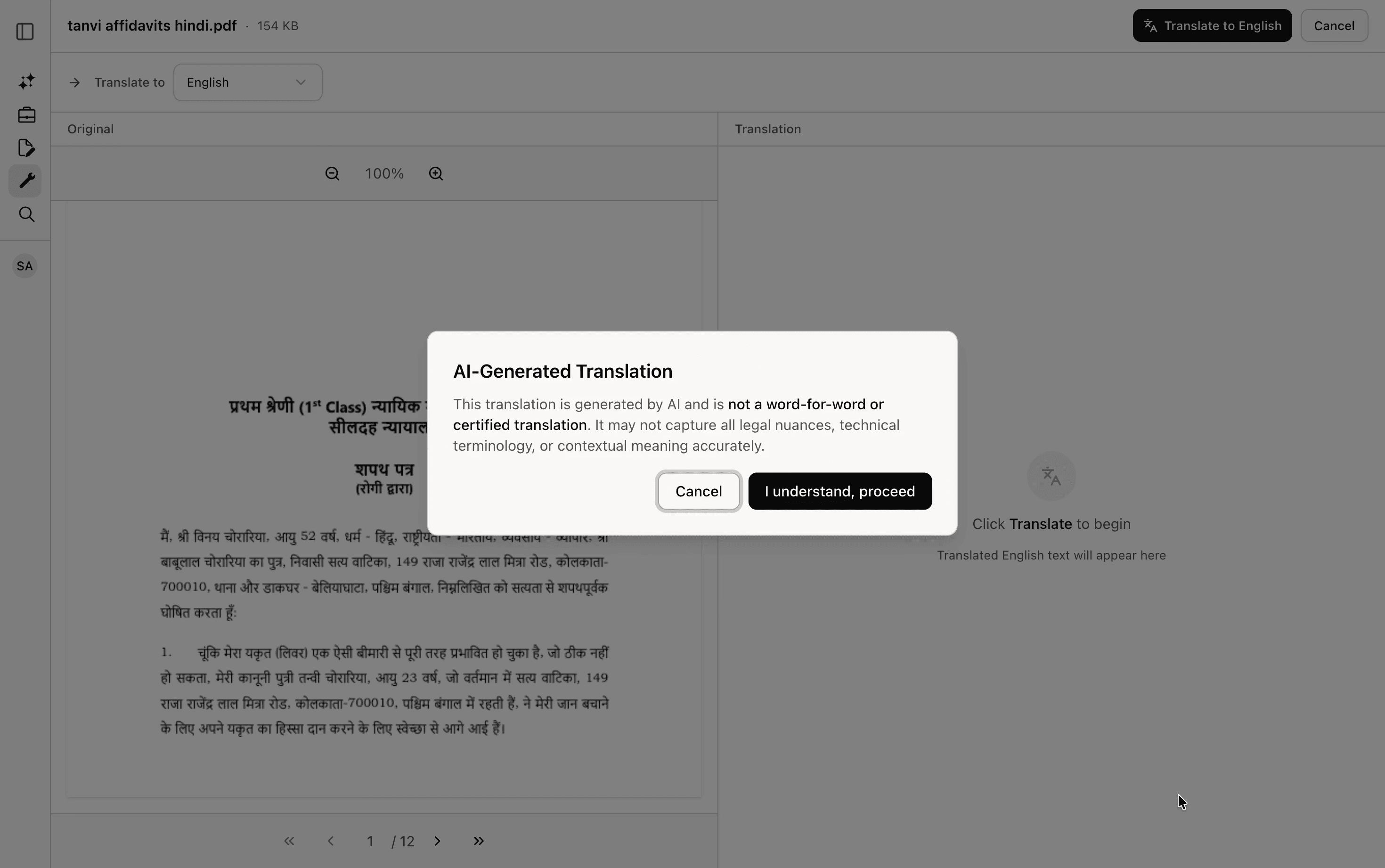
Superlaw’s translation flow is built for legal use, not casual browsing. A lawyer can upload the file, get a translated version, and move faster from document receipt to document understanding.
It is designed to reduce delay, not manufacture false certainty.
PDF tools, without the scavenger hunt
Superlaw’s PDF tools are built around the handful of actions lawyers use repeatedly:
merge documents into one filing-ready set
split records into relevant sections
convert PDF to Word when edits are needed
convert Word to PDF when the draft is ready
turn images into PDF annexures
export PDF pages as images when only one page is needed
This is the point:
Lawyers should spend their best hours on legal judgment, not on document gymnastics.
FAQs
What is the best PDF editor for lawyers?
The best PDF editor for lawyers is one that fits the legal workflow: merge PDF, split PDF, convert PDF to Word, convert Word to PDF, and prepare clean filing bundles without forcing the lawyer across multiple platforms.
How do lawyers merge and split PDFs for e-filing?
Lawyers usually need to split large records into relevant parts, reorder annexures, and merge them into one filing-ready PDF. In Indian e-filing, that is not optional background work. It is part of preparing a compliant filing.
Can lawyers translate legal PDFs online?
Yes, but the useful question is whether the translation sits inside the legal workflow. Lawyers often need to translate PDFs, scanned documents, and annexures quickly so they can understand the record and move to drafting or filing without delay.